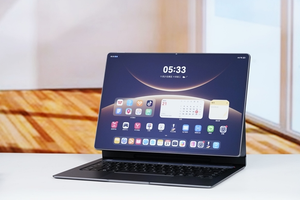


November 2, 2026 – Huawei has added optical disc burning to HarmonyOS 7 on tablets, allowing users to write photos, documents and videos to CD, DVD and Blu-ray media through an external USB optical drive.
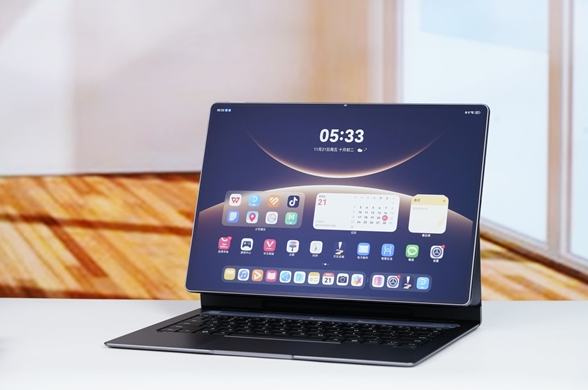
The feature is available on MatePad Pro 12-inch series and MatePad Pro Max running HarmonyOS 7.0.0.111SP12 or later, and on MatePad Edge running HarmonyOS 7.0.0.111SP8 or later. Earlier HarmonyOS 6 versions on Huawei PCs and MatePad Edge only supported reading discs; writing and burning were not available until this update.
After connecting an external optical drive, files can be dragged or copied into the disc directory in File Manager. The system then adds them to a pending area, where users can start burning by right-clicking the disc icon or using the toolbar. Burning must not be interrupted by removing the device, otherwise data loss or disc damage may occur.
Two modes are supported. First-time burning writes new content to blank discs, while burning allows additional files to be added to discs that have not yet been finalized. CD-R, DVD-R, DVD+R and BD-R are write-once media. CD-RW, DVD+RW and DVD-RW can be erased and rewritten. BD-RE erasure is not supported in the current system version.
The addition is niche but practical for archival workflows. Optical discs remain useful for long-term, offline storage of photos, videos, course materials and project files, and bringing native burning support to tablets expands Huawei’s document and media management stack beyond cloud, local storage and external drives.